 coderqh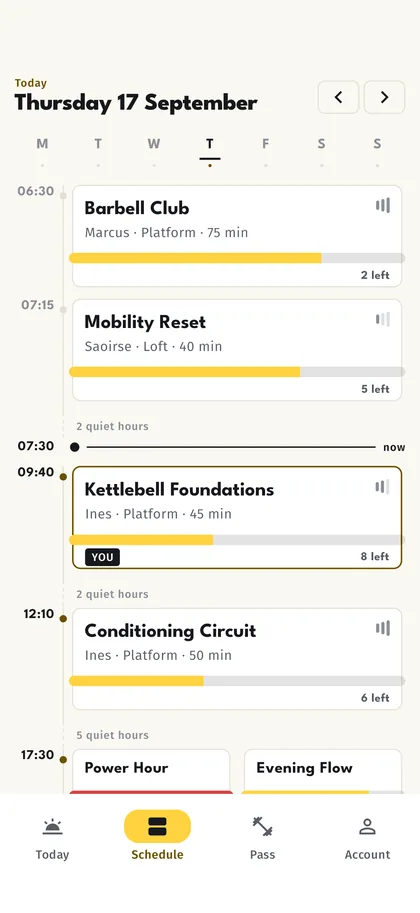
The day, folded
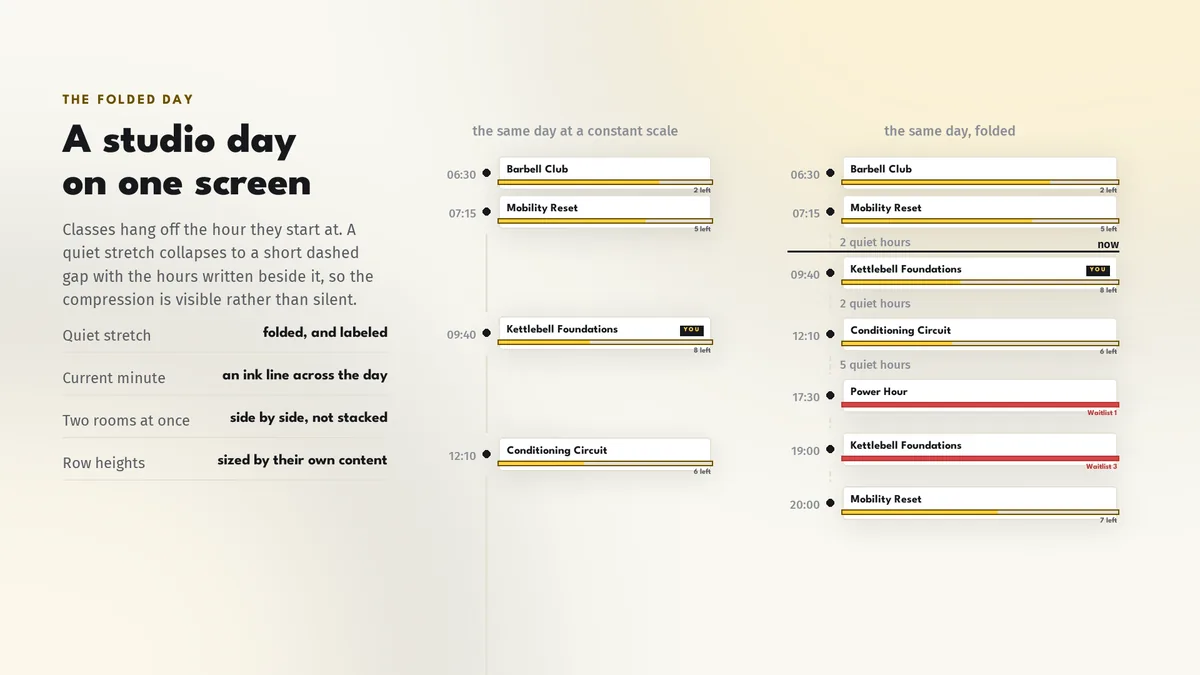
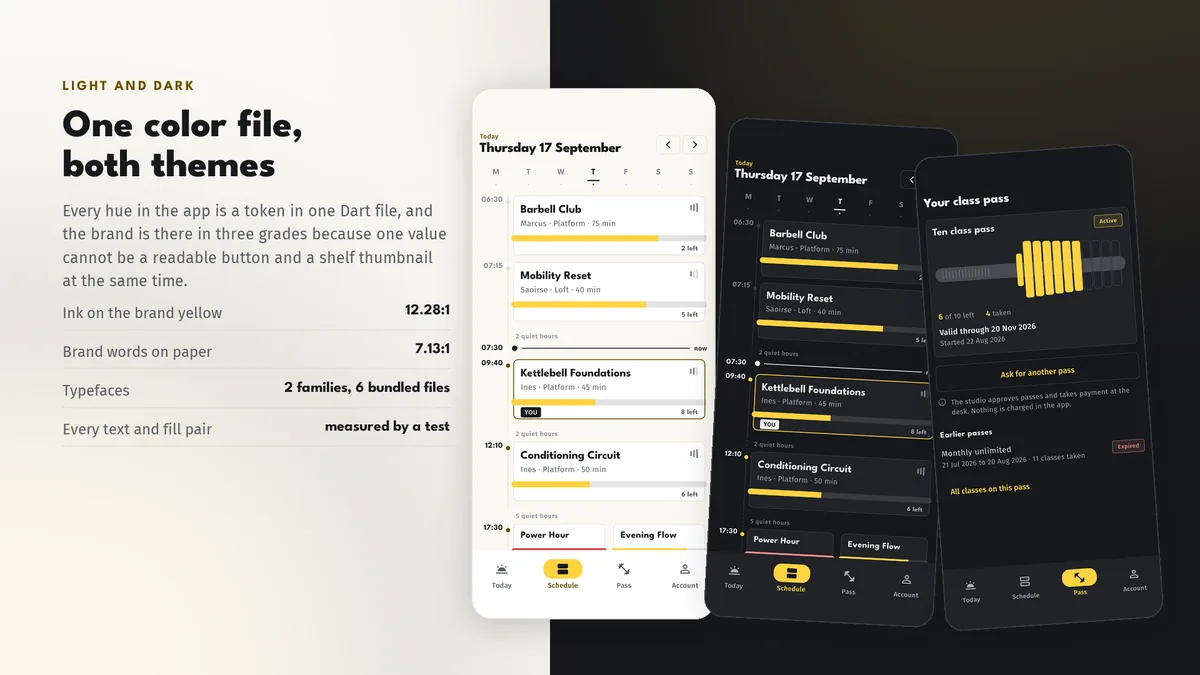
Classes hang off the hours they start at, and the stretches with nothing in them fold away to a short dashed gap. A whole studio day is one screen instead of six hundred pixels of nothing.
Your studio's timetable, in your members' pockets.
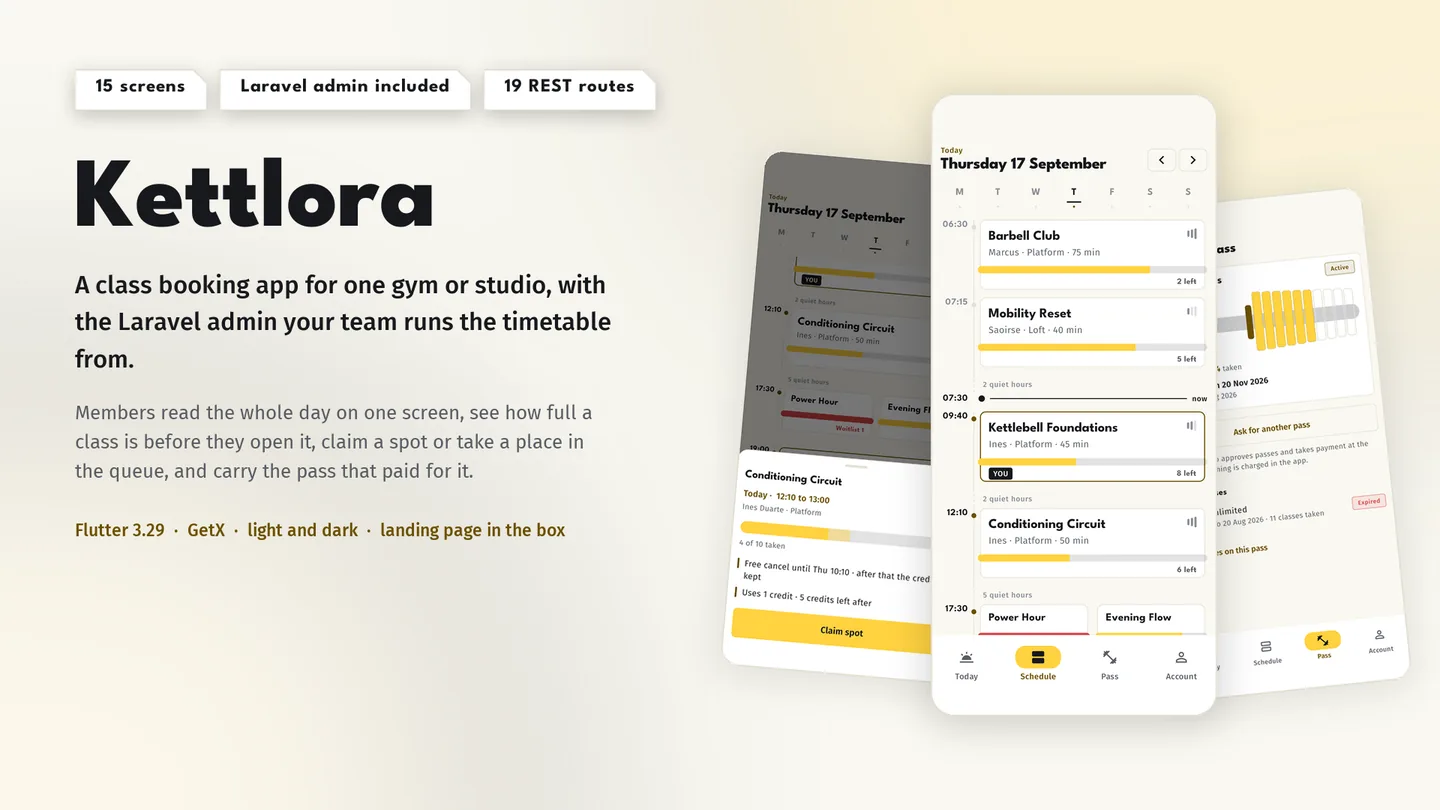
The live preview on CodeCanyon is this app compiled for the web: the real build, not a video.
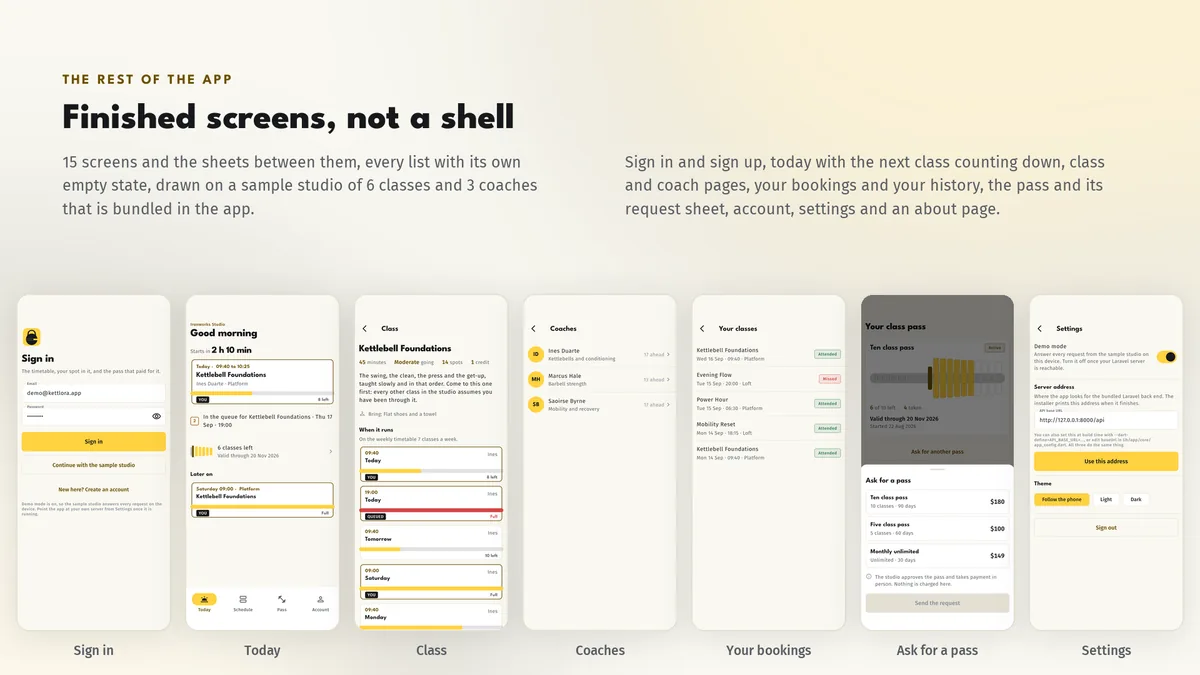
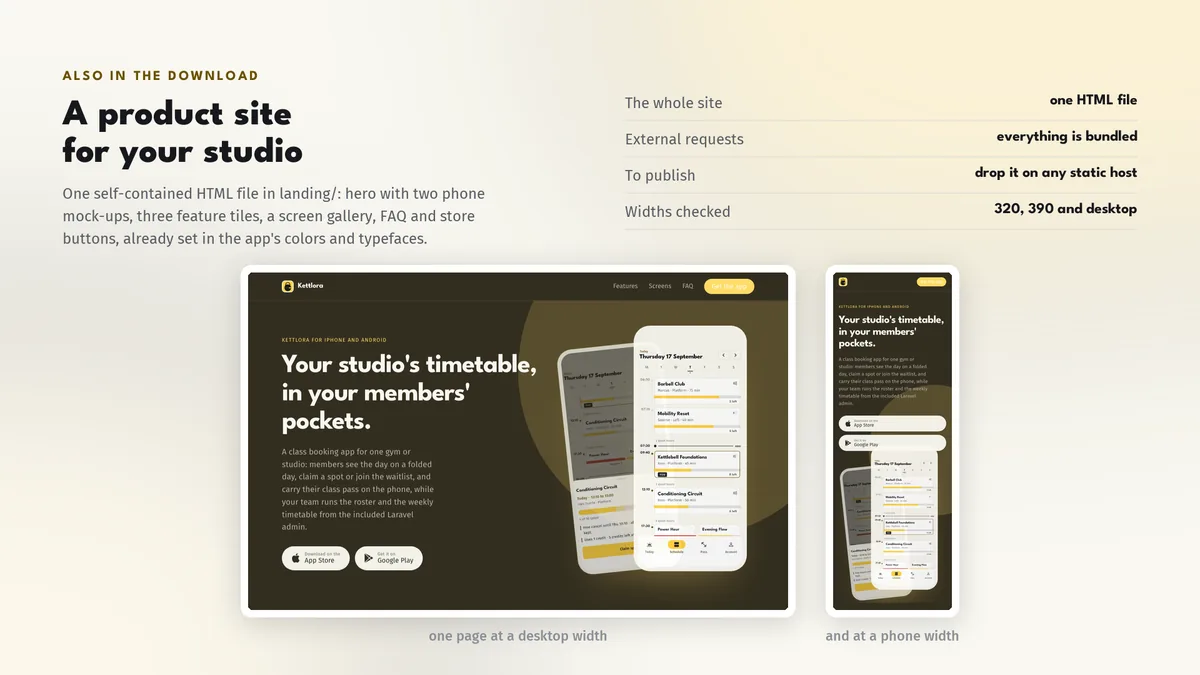
A class booking app for one gym or studio: members see the day on a folded day, claim a spot or join the waitlist, and carry their class pass on the phone, while your team runs the roster and the weekly timetable from the included Laravel admin.
Classes hang off the hours they start at, and the stretches with nothing in them fold away to a short dashed gap. A whole studio day is one screen instead of six hundred pixels of nothing.
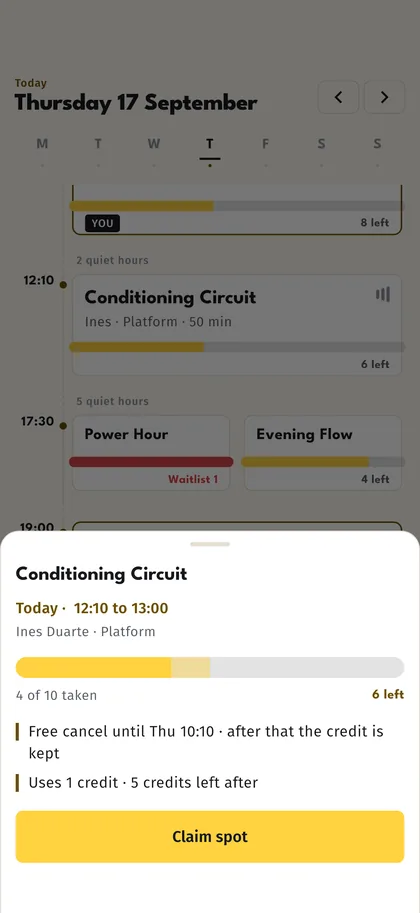
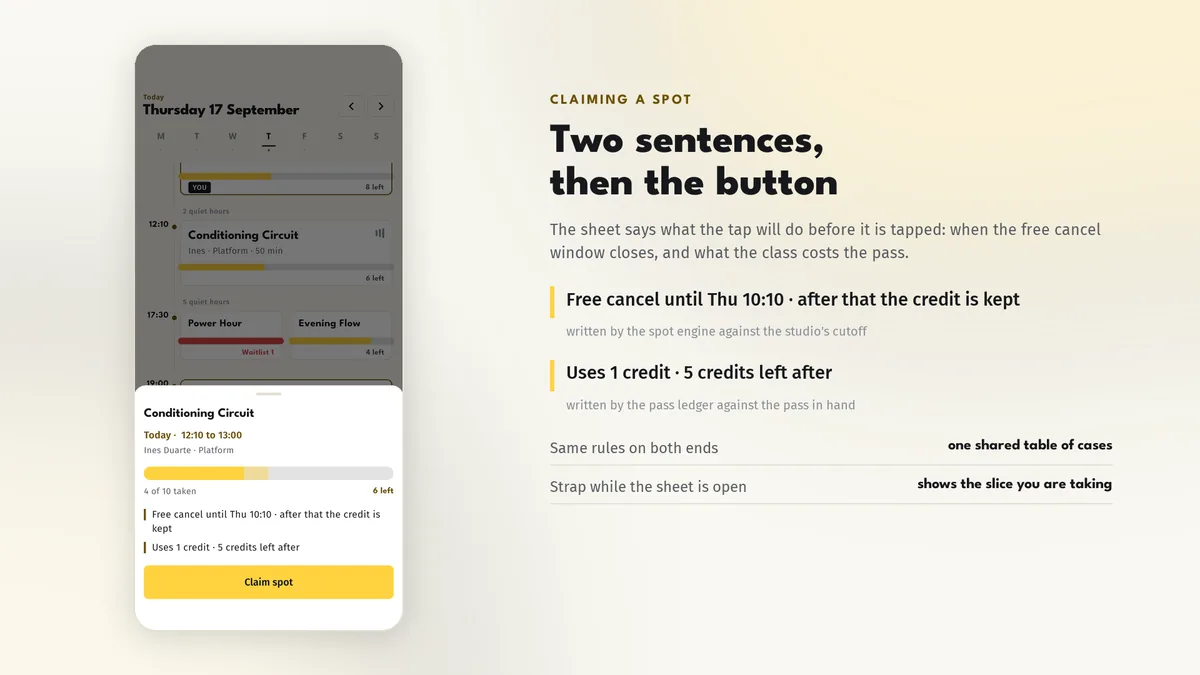
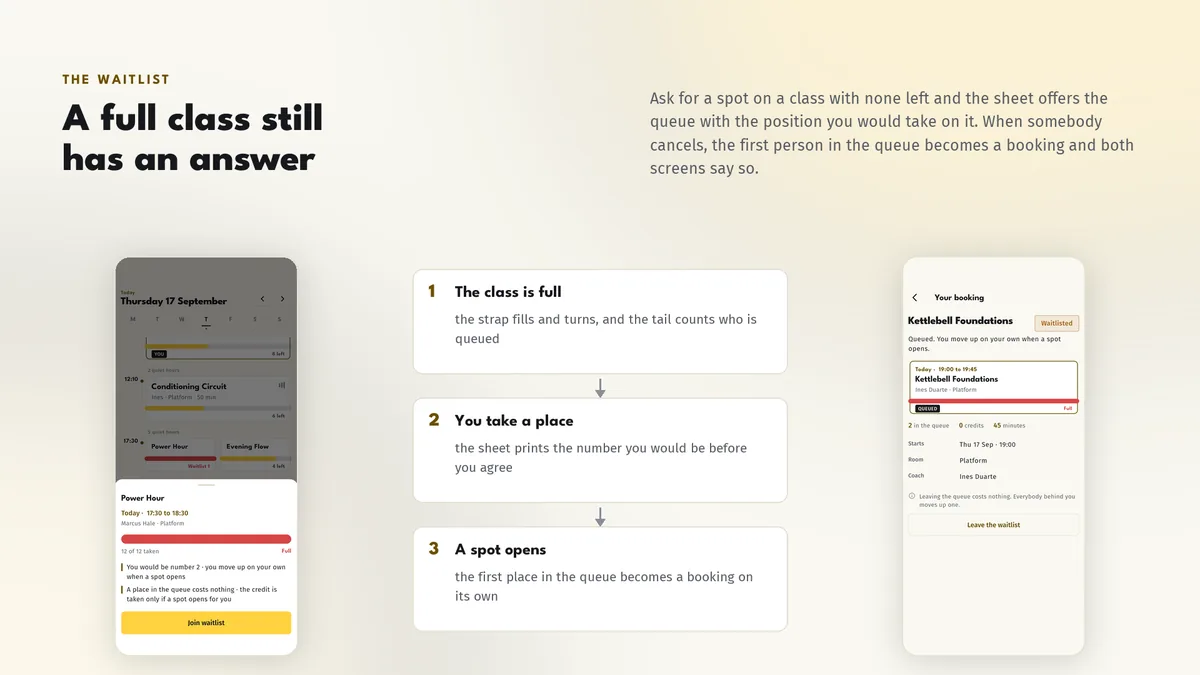
One sheet books the class, shows the free cancel deadline and what the pass will be charged. A full class offers the waitlist with your position, and a freed spot promotes the next member automatically.
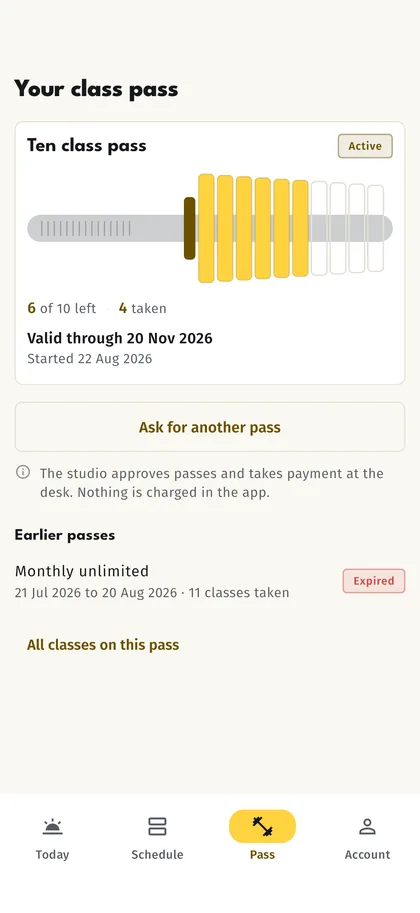
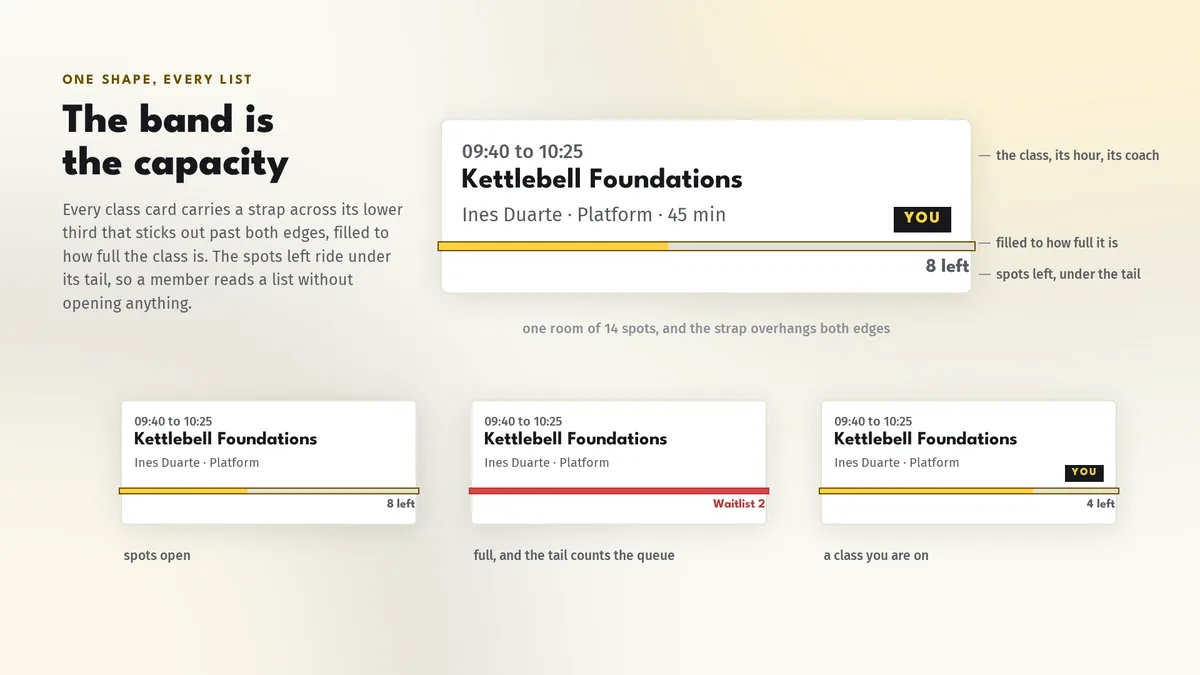
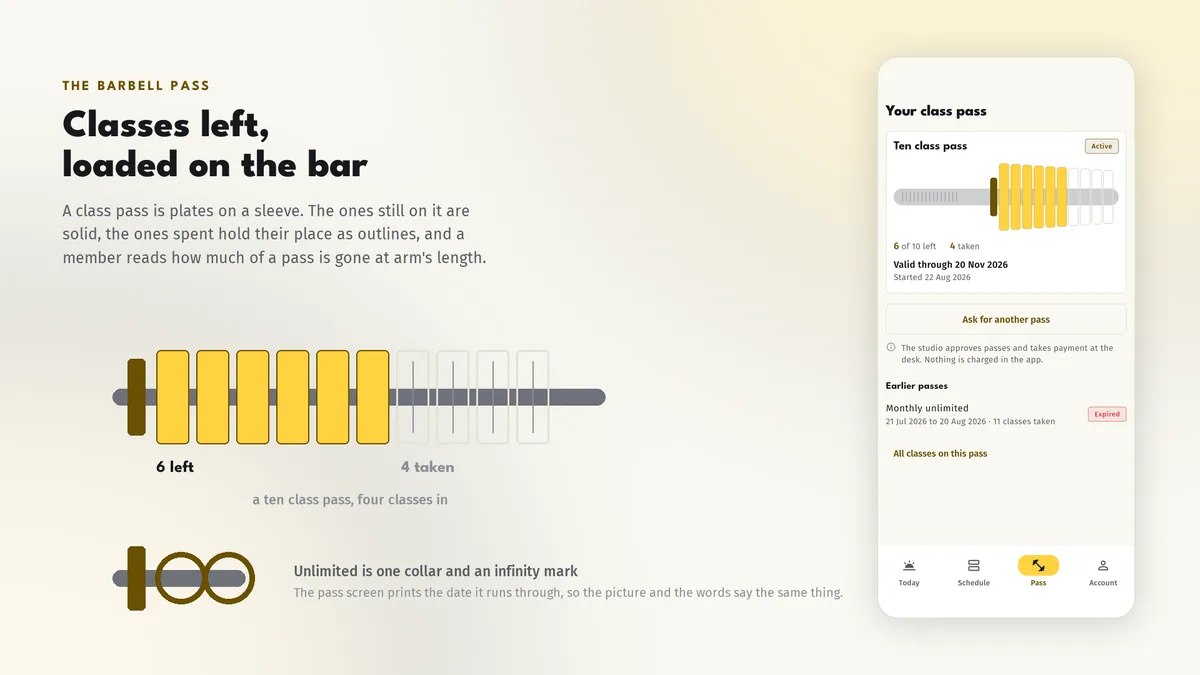
Classes left are weights on a barbell and the ones you have used stay on it as outlines. Unlimited passes show the valid through date, and a renewal is one tap that your front desk approves.
# unzip the download, then
$ cd kettlora_app
$ flutter pub get
$ flutter run
The back end has its own setup guide in the package; start it before pointing the app at it.
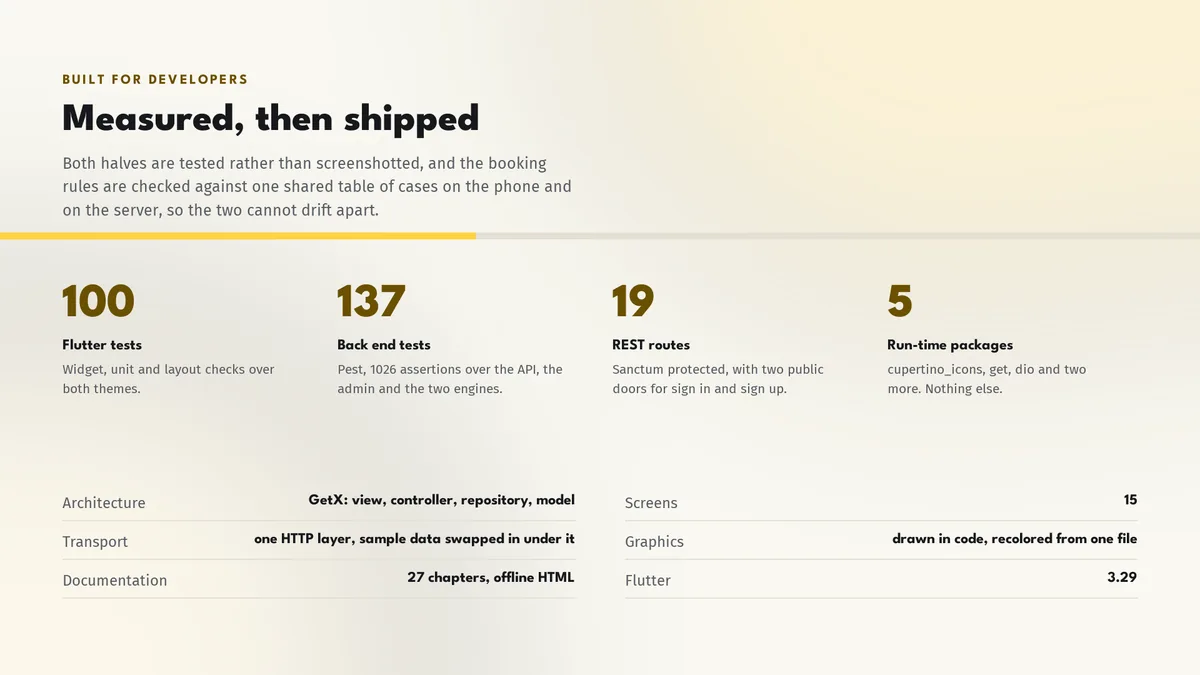
| Screen widgets | 15 |
|---|---|
| Dart files | 70 |
| Tests in the package | 12 |
| Dart SDK | ^3.7.0 |
| Back end | Laravel admin and REST API |
| Platforms | iOS + Android, one codebase |
Counted from kettlora-v1.0-r2.zip, the file uploaded to CodeCanyon. Screen widgets are the view, screen and page classes in the source, so the number can differ slightly from a count of routes.
Something else? Ask on the item's CodeCanyon page; the author answers there.
Yes. Demo mode is on out of the box with a sample studio, two weeks of classes and a pass, so every screen is populated the moment it opens. Point the app at your Laravel server from Settings when it is live.
The app requests a pass and your team approves it and records the payment in the admin. Payment is taken at the desk or by bank transfer; this version does not include a payment gateway.
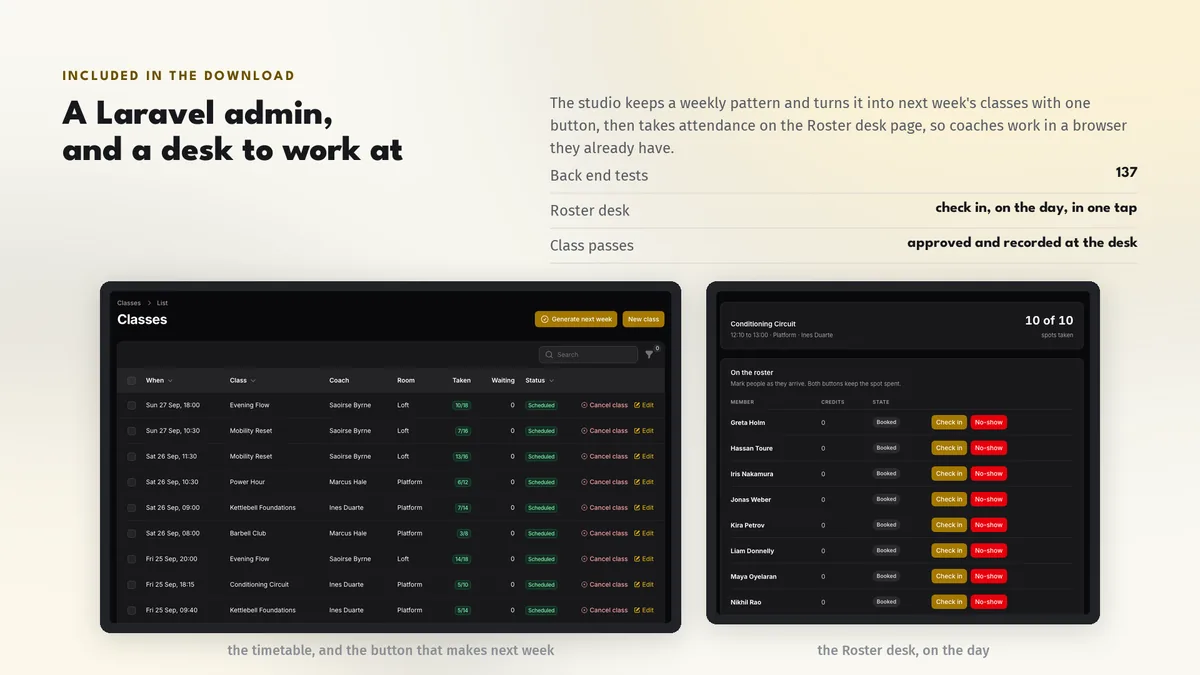
From the Roster desk page in the Laravel admin: open today's class, tick the members who arrived, mark no-shows and promote from the waitlist. There is no second app to publish.
Sold on Envato's CodeCanyon marketplace, which handles payment, VAT, invoices and the download.