 coderqh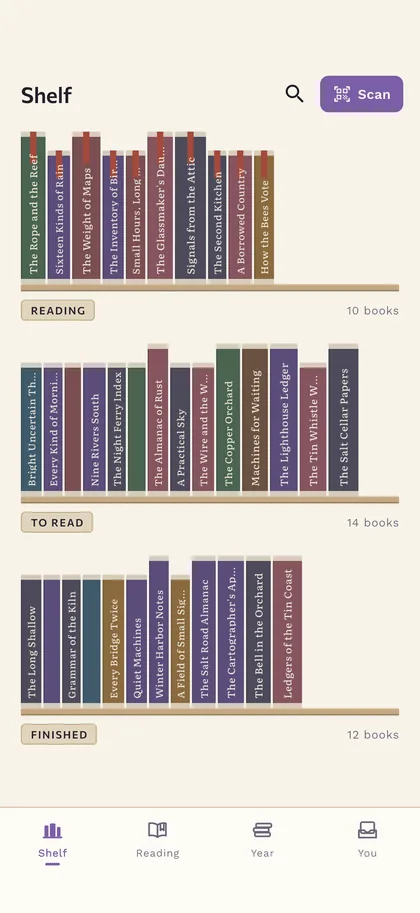
A shelf of spines, not a grid of covers
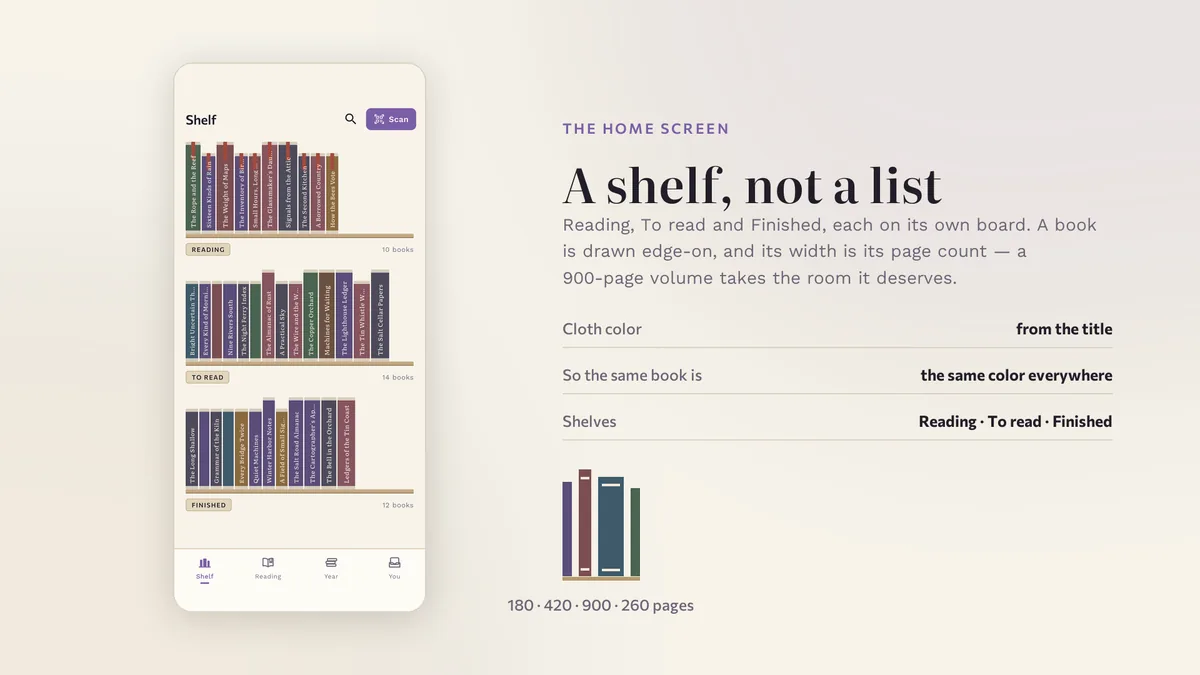
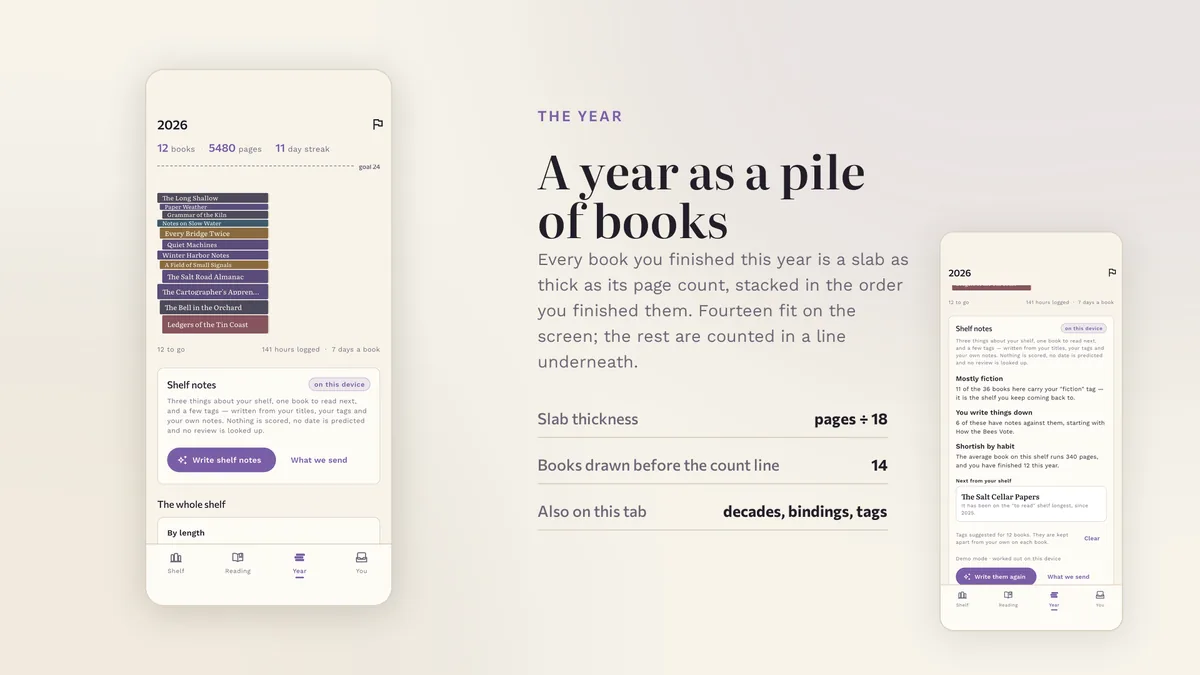
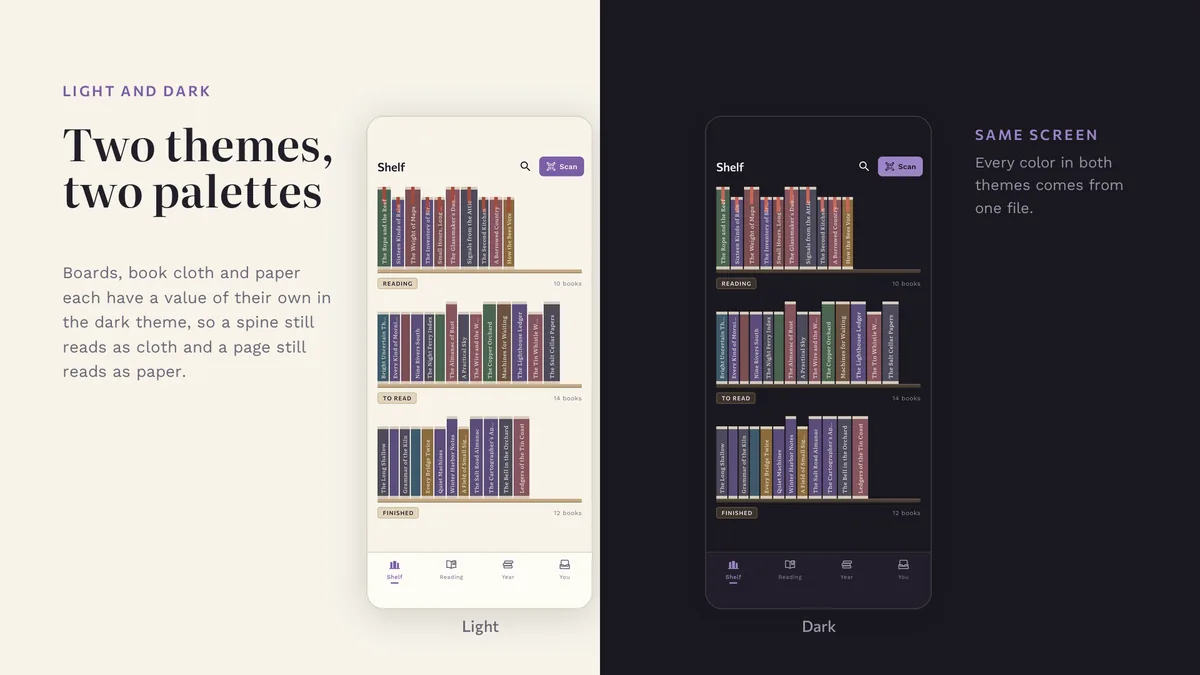
Every book is drawn as a spine, as wide as its page count, in a color of its own. Three shelves for reading, to read and finished. Tap a spine and it slides out.
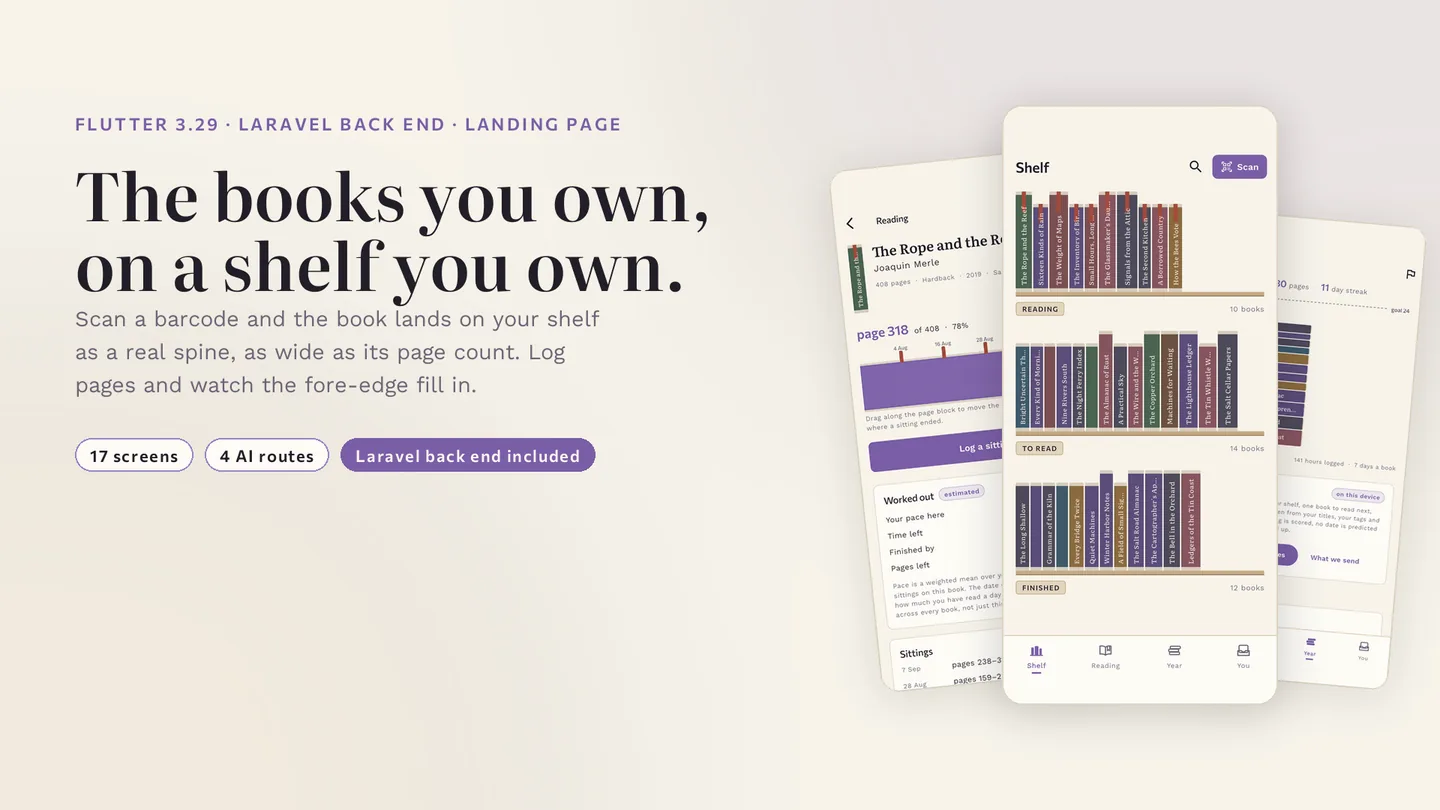
The books you own, on a shelf you own.
The live preview on CodeCanyon is this app compiled for the web: the real build, not a video.
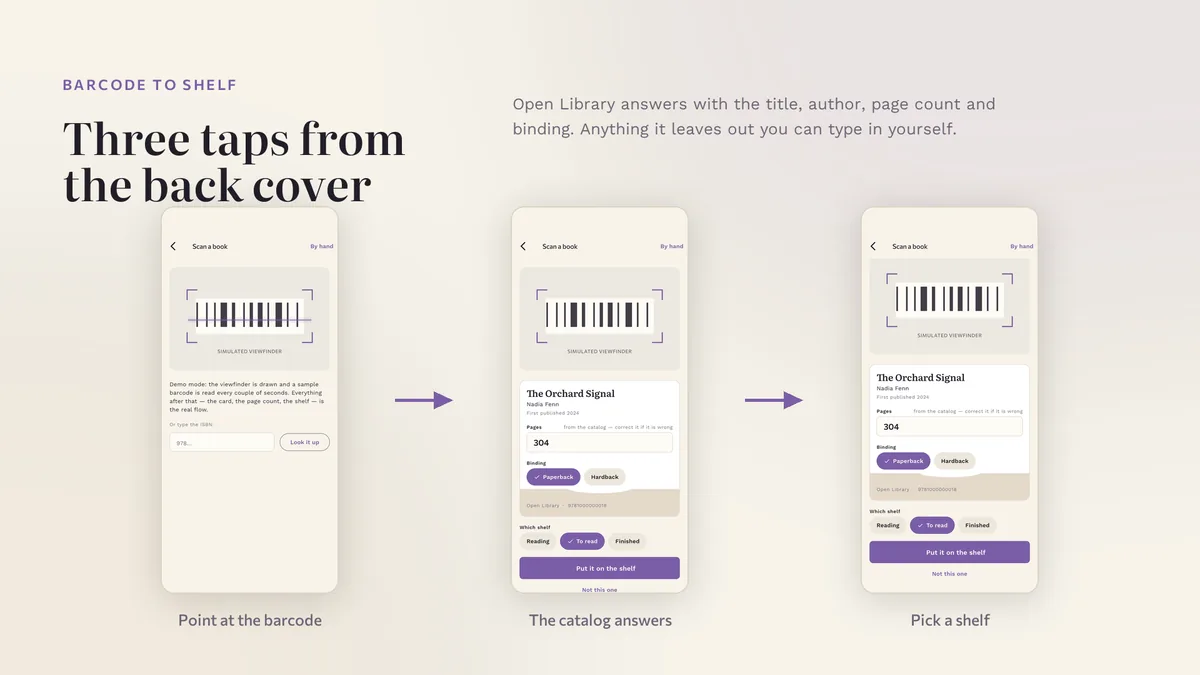
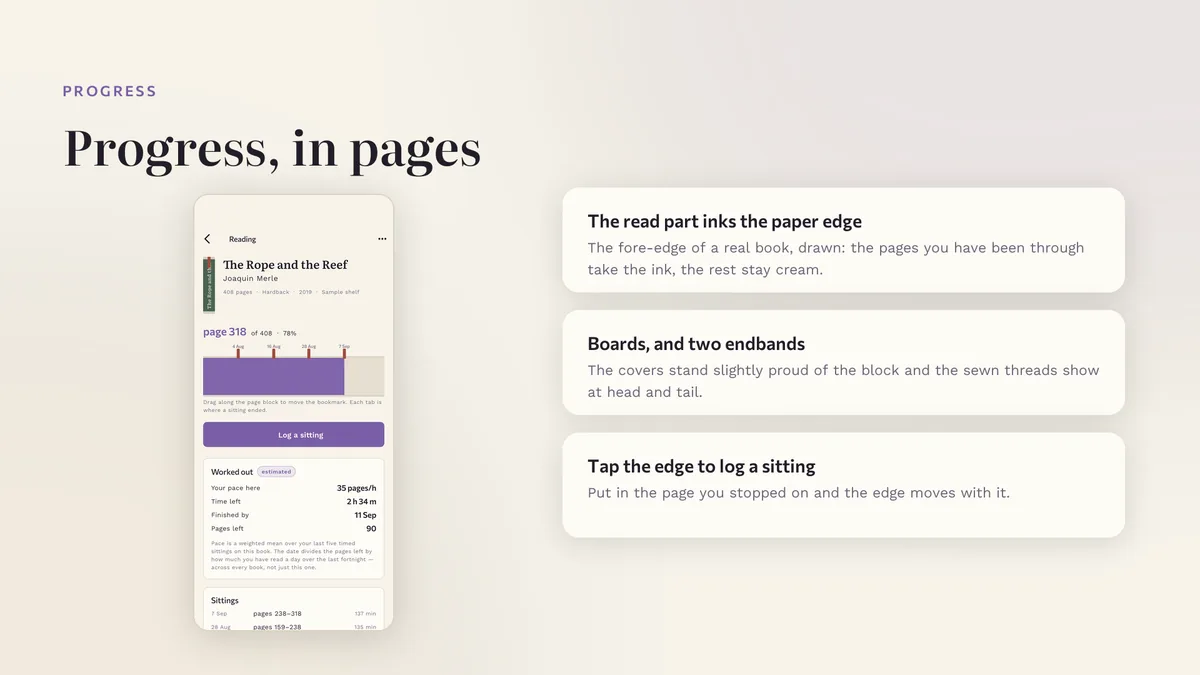
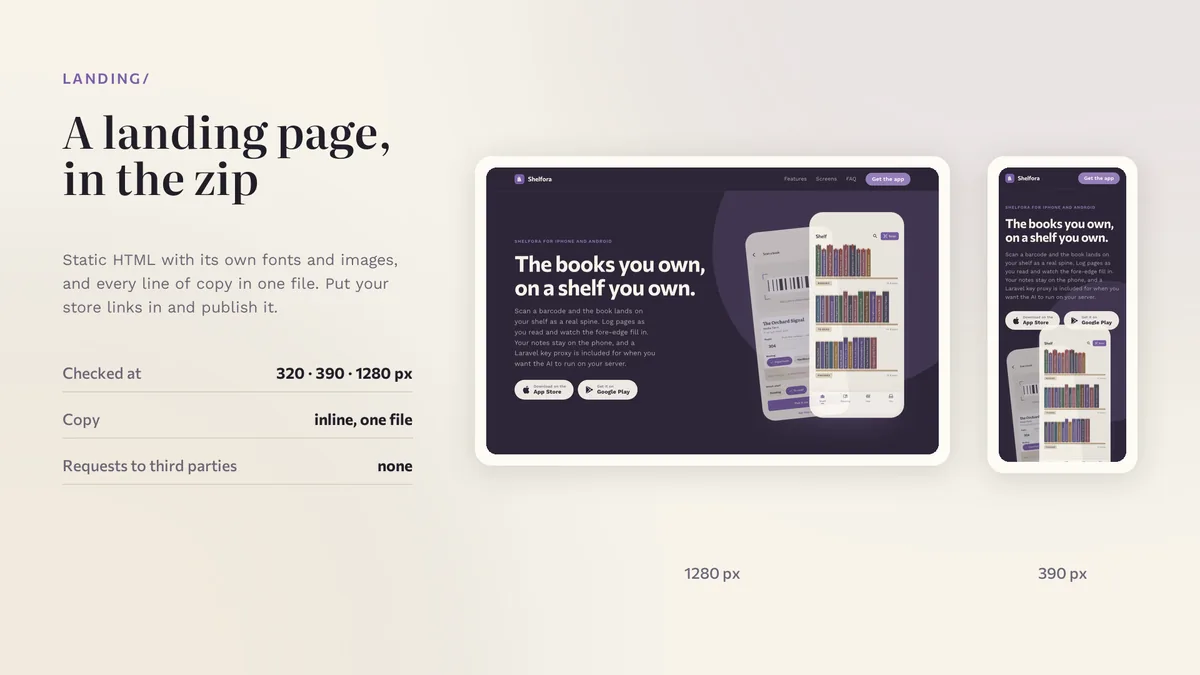
Scan a barcode and the book lands on your shelf as a real spine. Log pages as you read and watch the fore-edge fill in. Your notes stay on the phone, and a Laravel key proxy is included for when you want the AI to run on your server.
Every book is drawn as a spine, as wide as its page count, in a color of its own. Three shelves for reading, to read and finished. Tap a spine and it slides out.
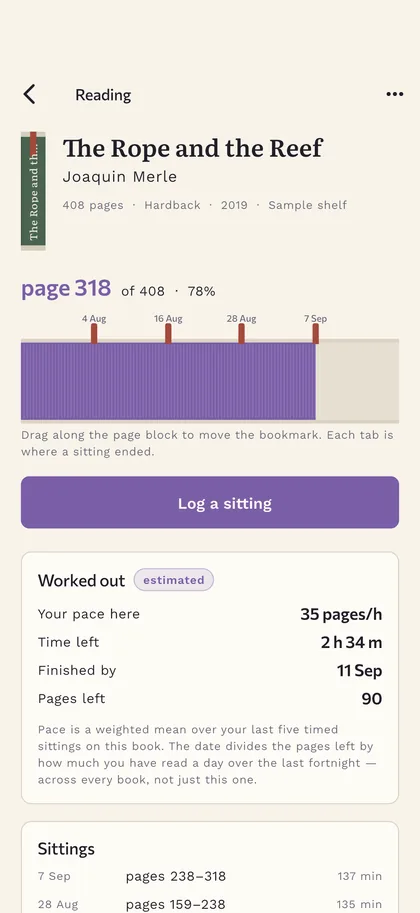
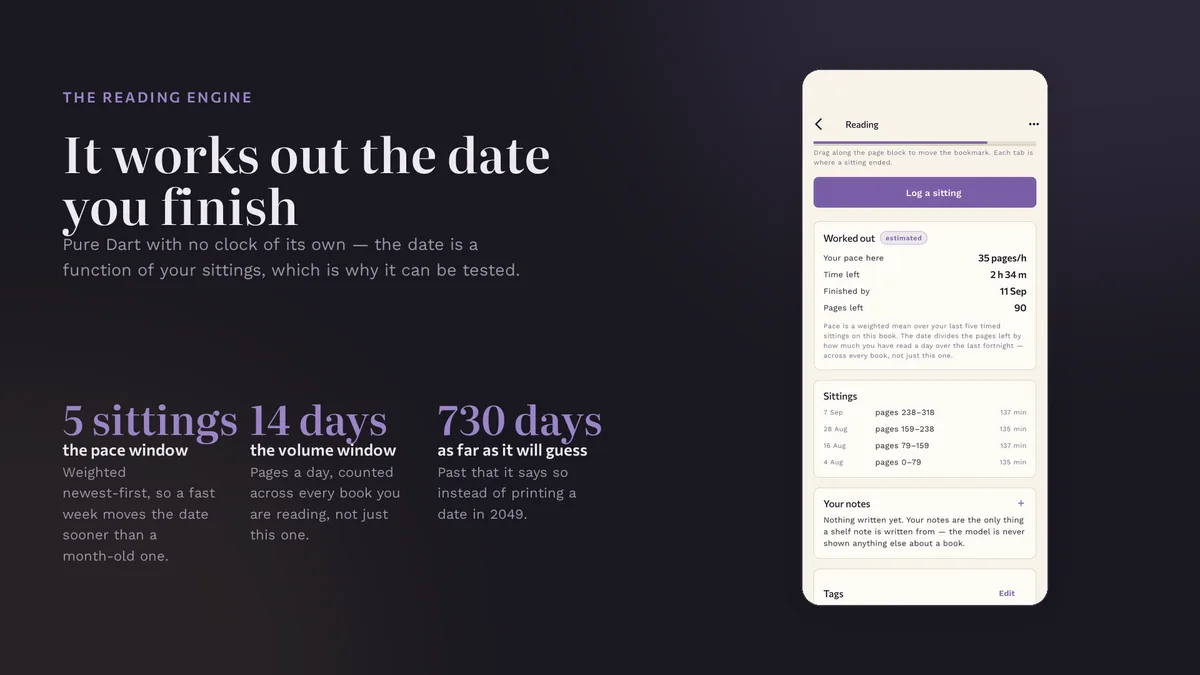
The book is shown from its fore-edge. Pages you have read are tinted, each session leaves a tab, and the pace and finish estimate are computed on the phone.
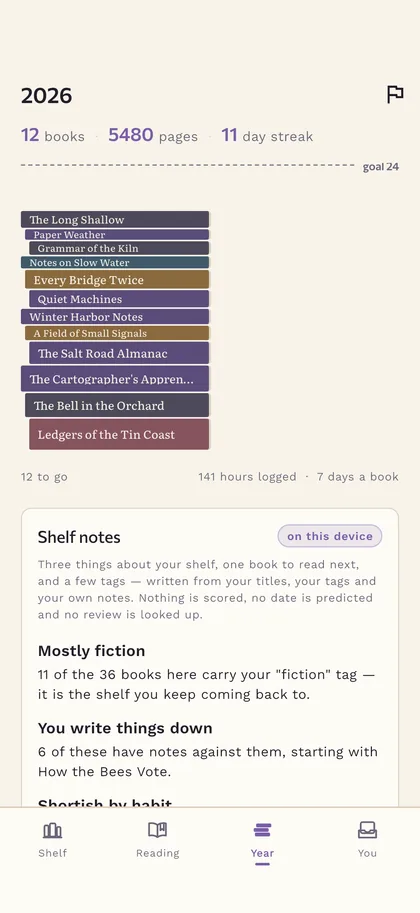
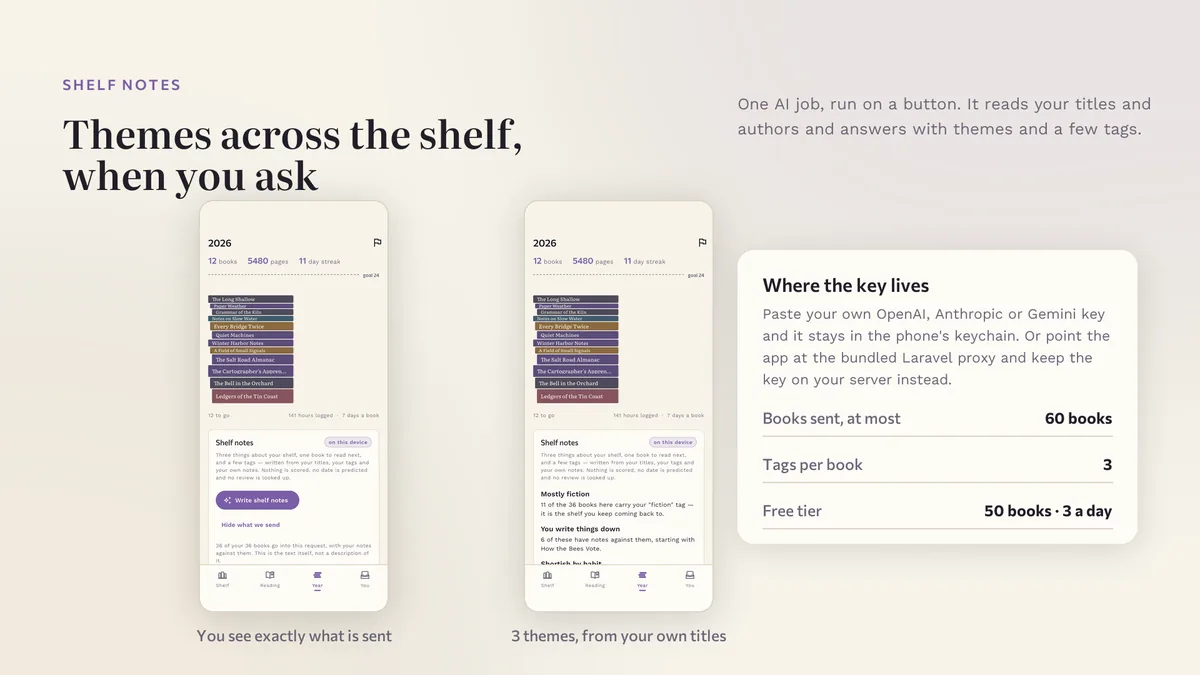
Shelf notes read your own written notes and your own shelf, name three threads running through what you read, and pick the next book from your to-read shelf with one line of reason. You can read the exact text that gets sent before you send it.
# unzip the download, then
$ cd shelfora_ai_app
$ flutter pub get
$ flutter run
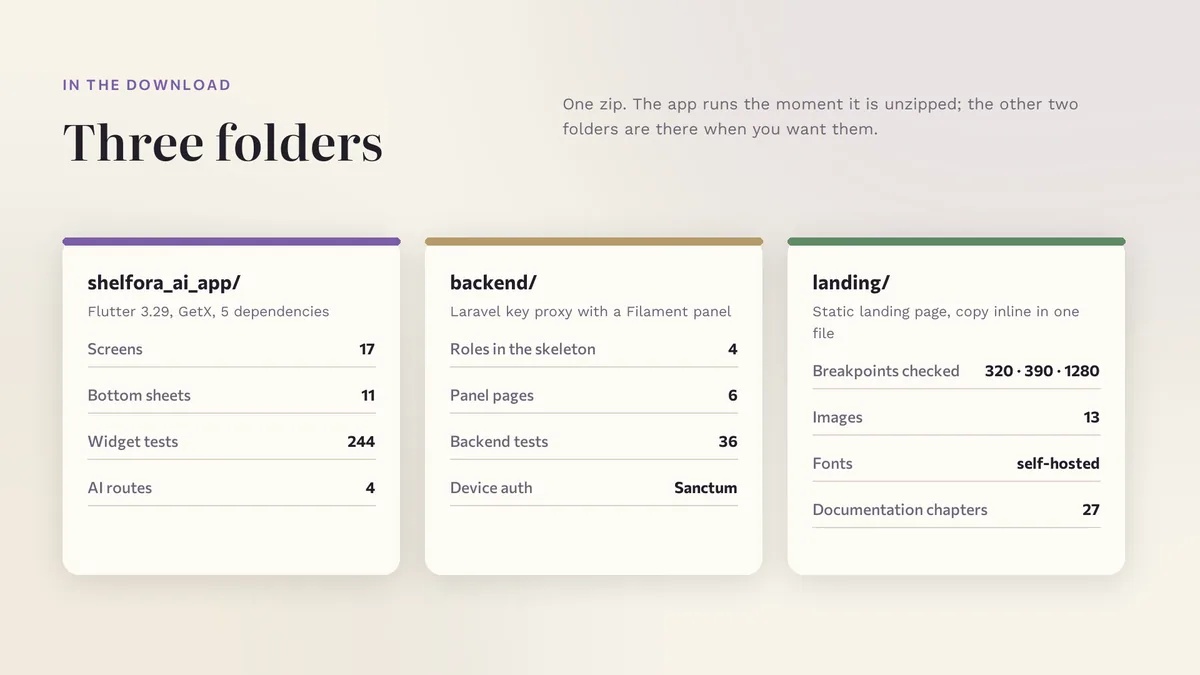
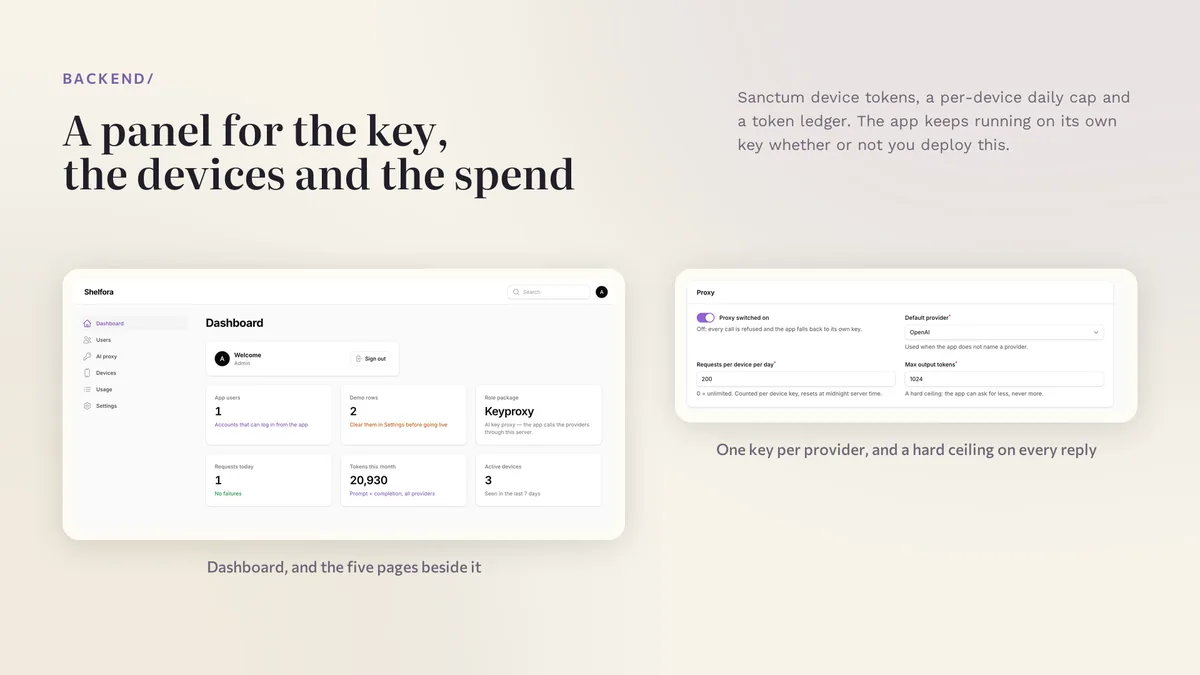
The app runs on its bundled demo data first. The back end has its own README for Docker and for shared hosting, and the app keeps working without it.
| Screen widgets | 18 |
|---|---|
| Dart files | 114 |
| Tests in the package | 13 |
| Dart SDK | ^3.7.0 |
| Back end | Laravel key proxy for the AI providers |
| Platforms | iOS + Android, one codebase |
Counted from shelfora-v1.0.zip, the file uploaded to CodeCanyon. Screen widgets are the view, screen and page classes in the source, so the number can differ slightly from a count of routes.
Something else? Ask on the item's CodeCanyon page; the author answers there.
No. Books, sessions and notes live in the phone's encrypted store and every screen works offline. The included Laravel key proxy only forwards AI calls, so your keys stay on your server and your reading never leaves the phone.
From Open Library, a free public catalog that needs no API key. Type an ISBN or a title when there is no barcode, or add a book by hand. Google Books can be switched on as a second source with your own key.
Yes. Settings copies the whole shelf to the clipboard as JSON, which is the same envelope the app stores, so paste it into the new phone and every book, session and note comes back exactly. There is no account and no cloud step in between.
Sold on Envato's CodeCanyon marketplace, which handles payment, VAT, invoices and the download.